
Schedule and online booking
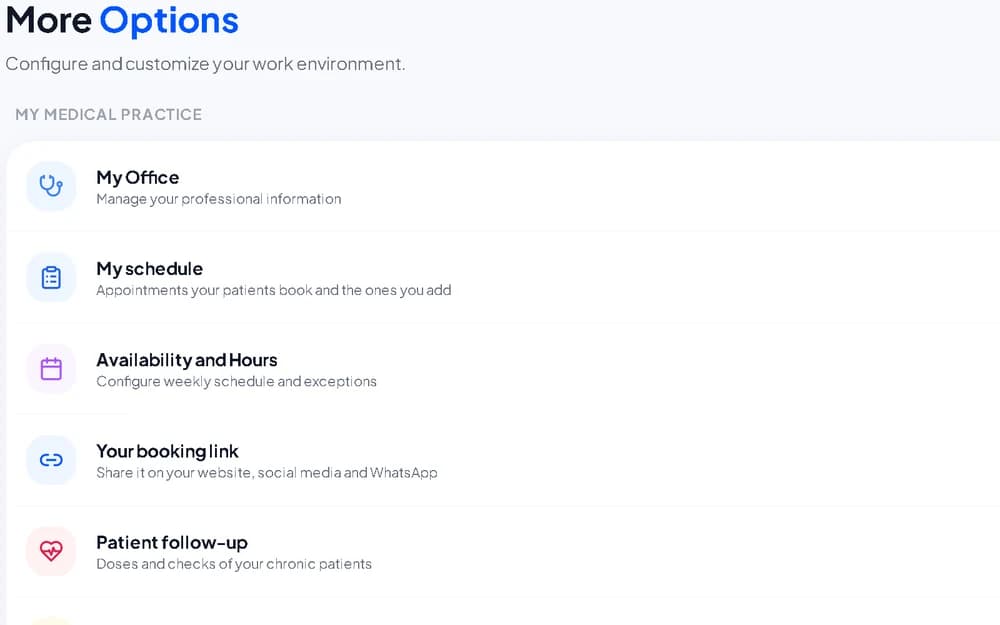
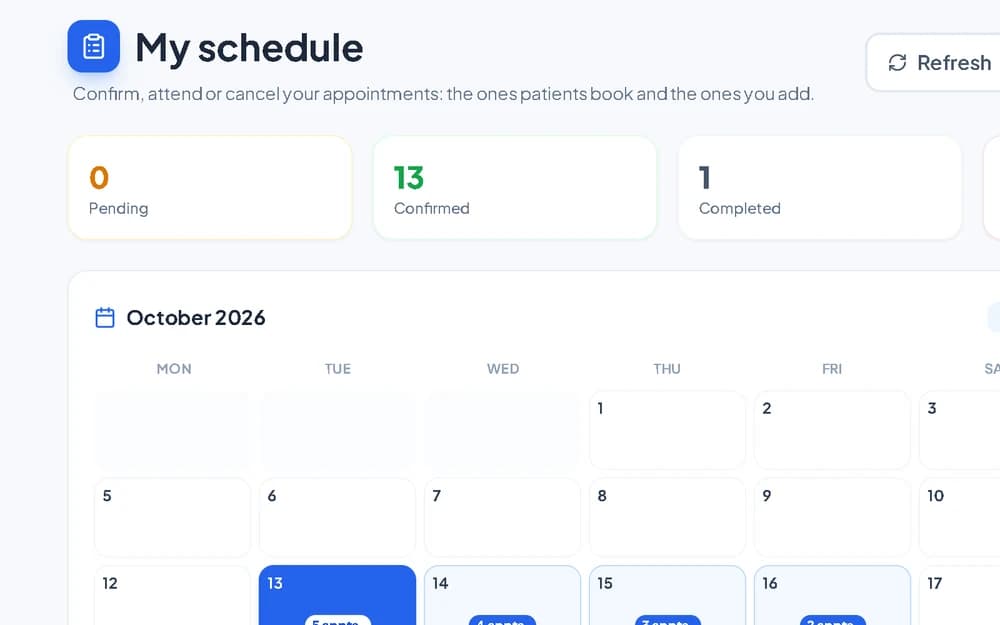
Your booking link and public profile with a QR code. Patients request a visit in your free slots and you confirm it.
For doctors and clinics
MIVOR alerts you when a patient logs an urgent reading, shows whether they take their medication, and supports you with an AI clinical assistant.
MIVOR.ai
Tap to see the difference in your practice's daily routine.
For doctors
Less time on admin and more useful information about each patient.
Your booking link and public profile with a QR code. Patients request a visit in your free slots and you confirm it.
See patients by video call from the browser or the app, with nothing to install and no separate links to send.
With the patient's permission you see whether they take their medication and their blood pressure, glucose and weight readings between visits.
If a patient who shares their follow-up with you logs an urgent value, you get an alert so you can act.
Search medical sources for evidence and draft the visit note. The clinical decision is always yours.
Only patients with a completed visit can leave a review, and you can reply to each one from your dashboard.
AI consultation transcriber
Move the values to see an estimate for your practice.
Hours per month you could save
32 h
Rough estimate: we assume about 2 minutes to review each report MIVOR drafts.
How it works
 1
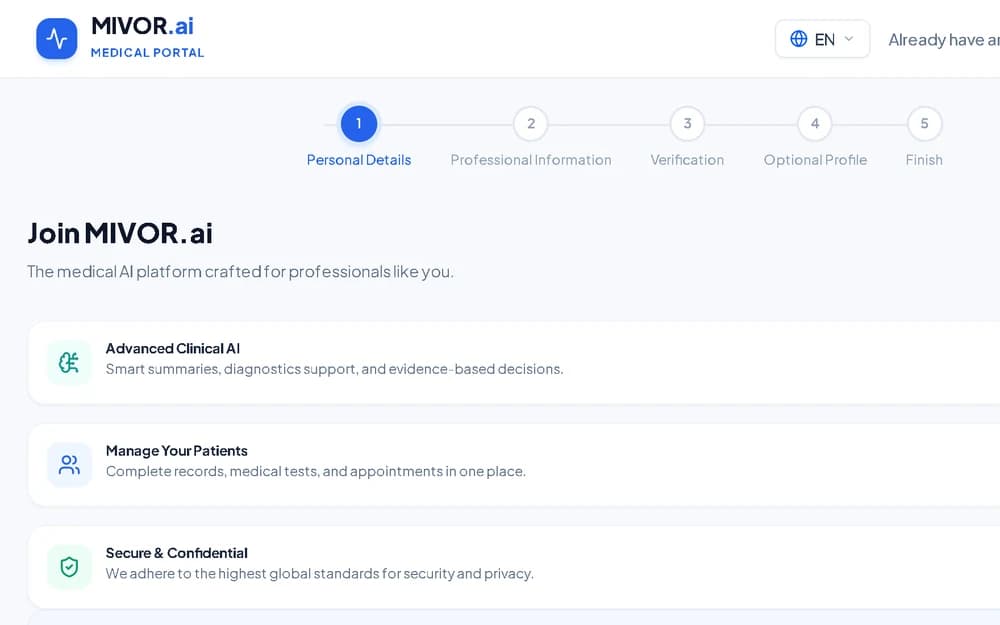
1Create your professional account and upload your documents. We review every sign-up.
 2
2Specialty, hours, visit type (in person or video) and the fees you decide.
 3
3Send your booking link by WhatsApp or add it to your website. Visits arrive in your schedule.
Contact
Questions, or would you like a demo for your practice or clinic? Write to us and we will reply as soon as possible.